
Fill in and sign
Your signature where it belongs
Reader|Forms|Available now
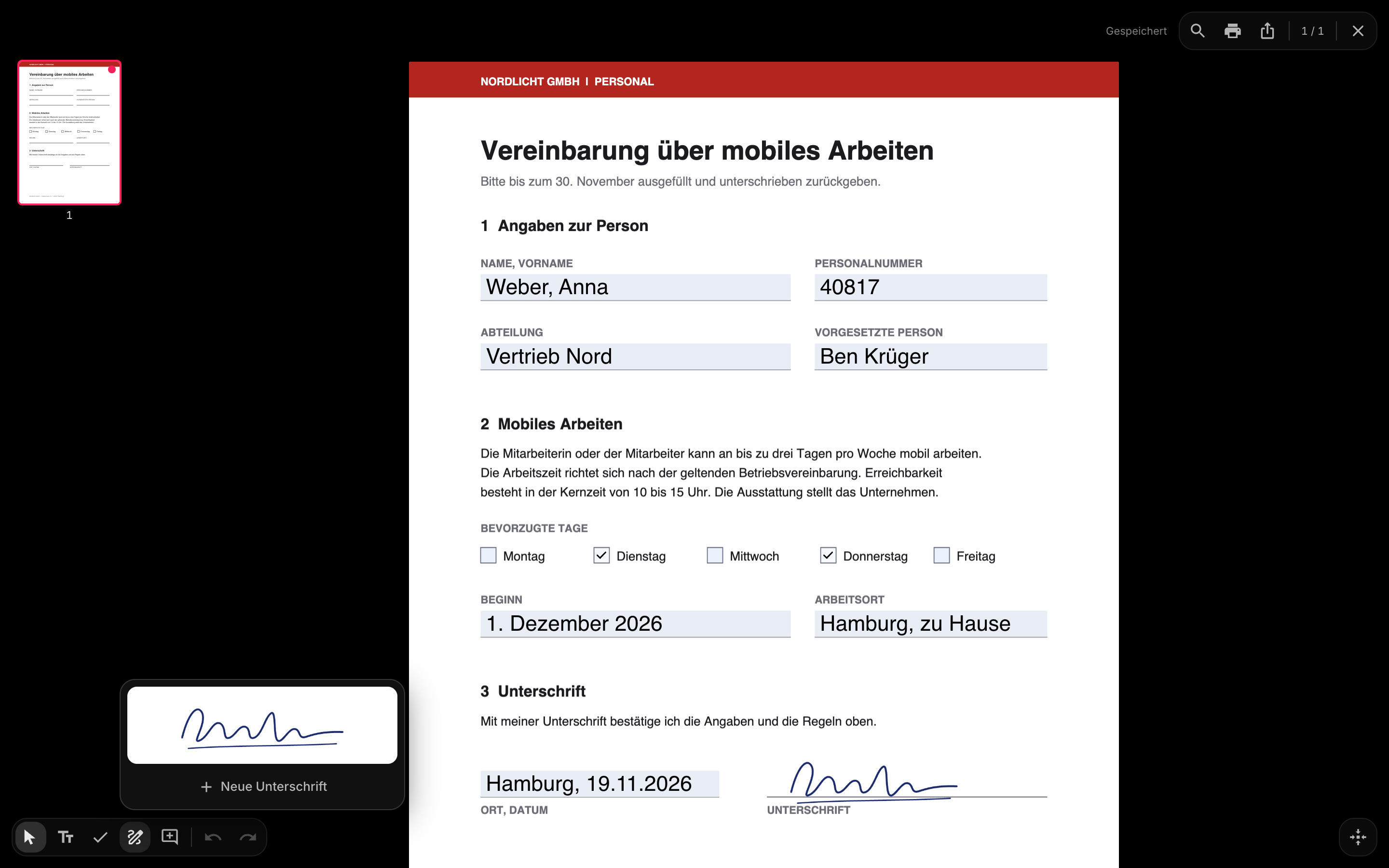
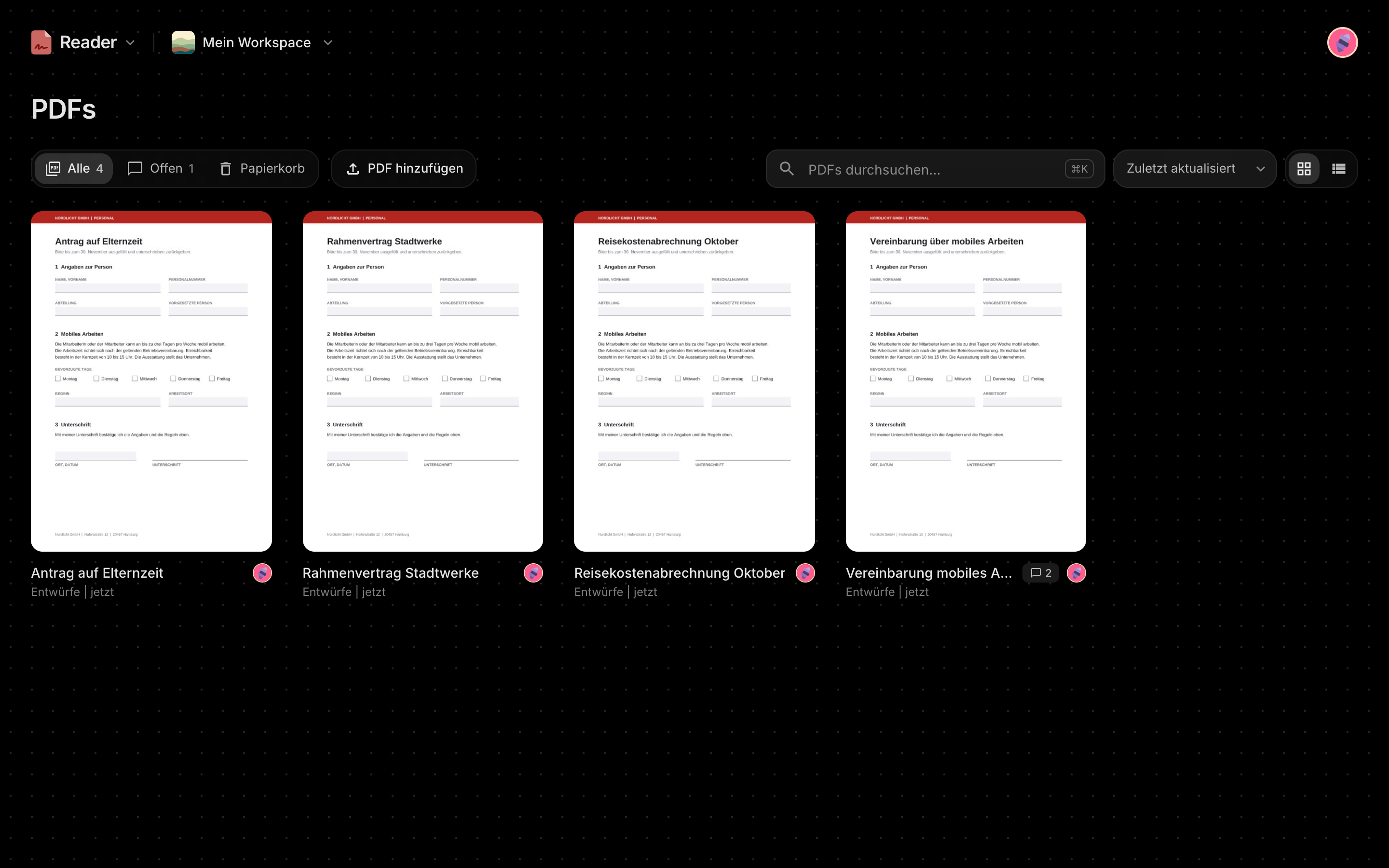
Open the file you got, fill it in, sign it and discuss it right on the page. The AI answers from what it says and fills in the form.
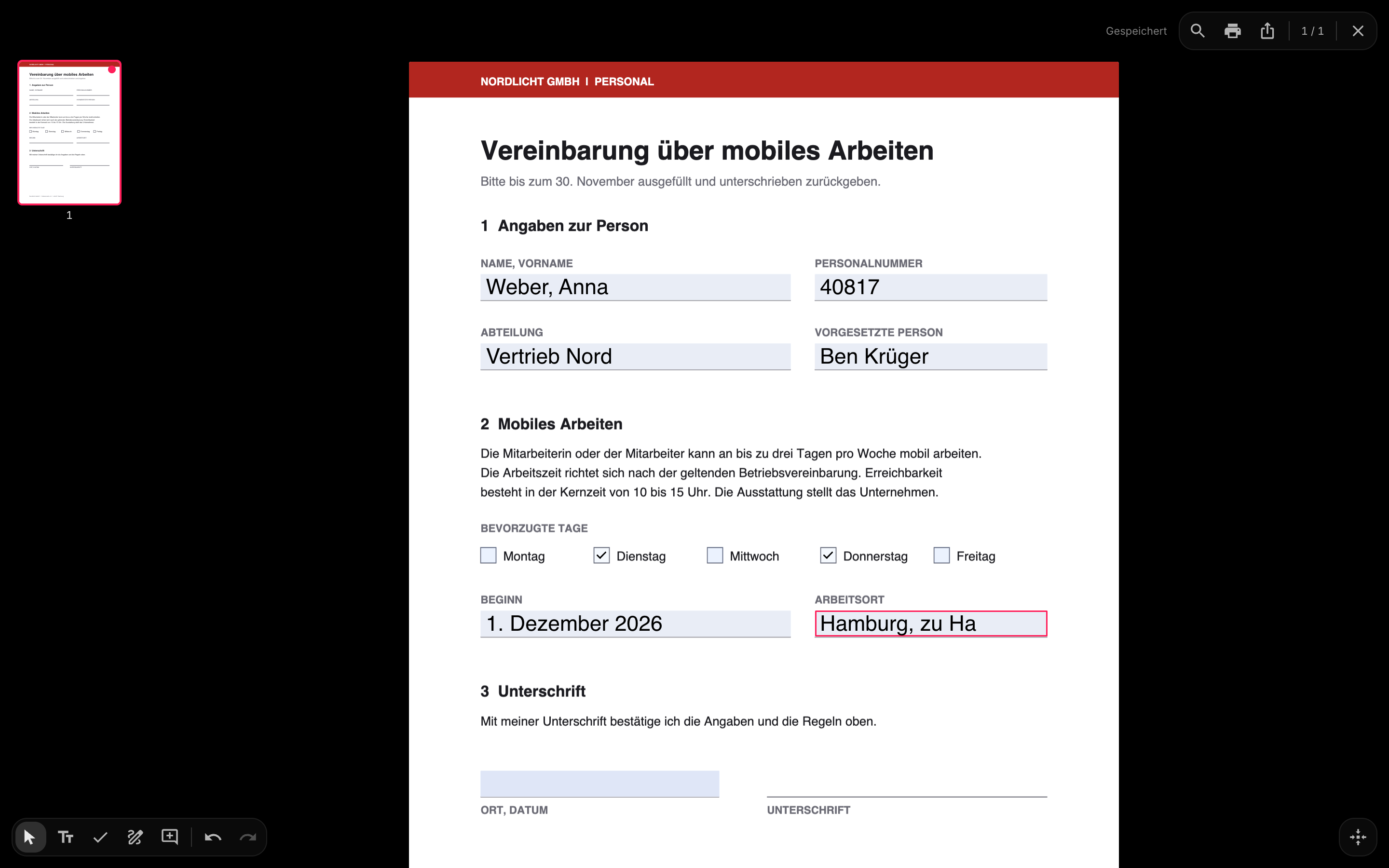
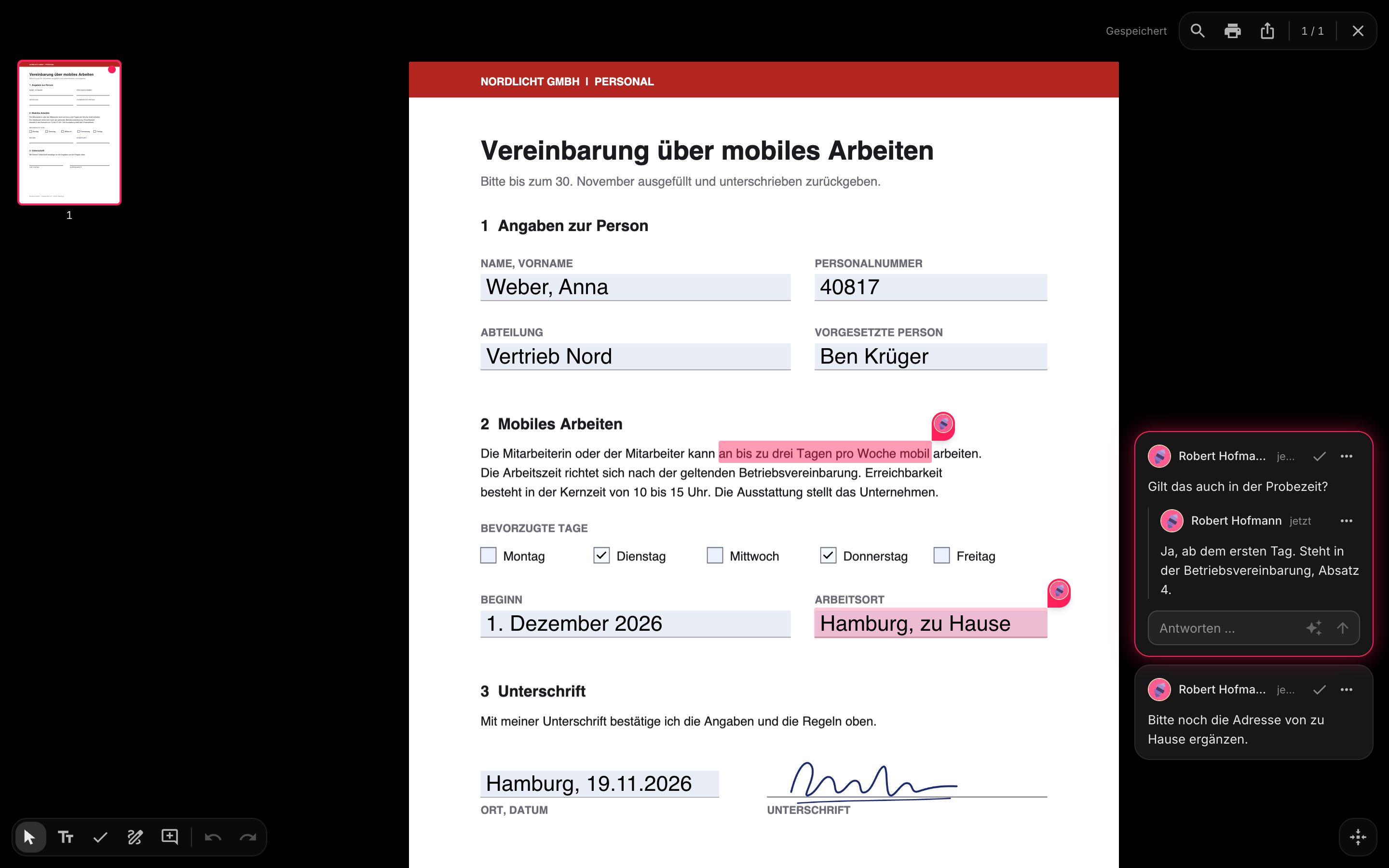
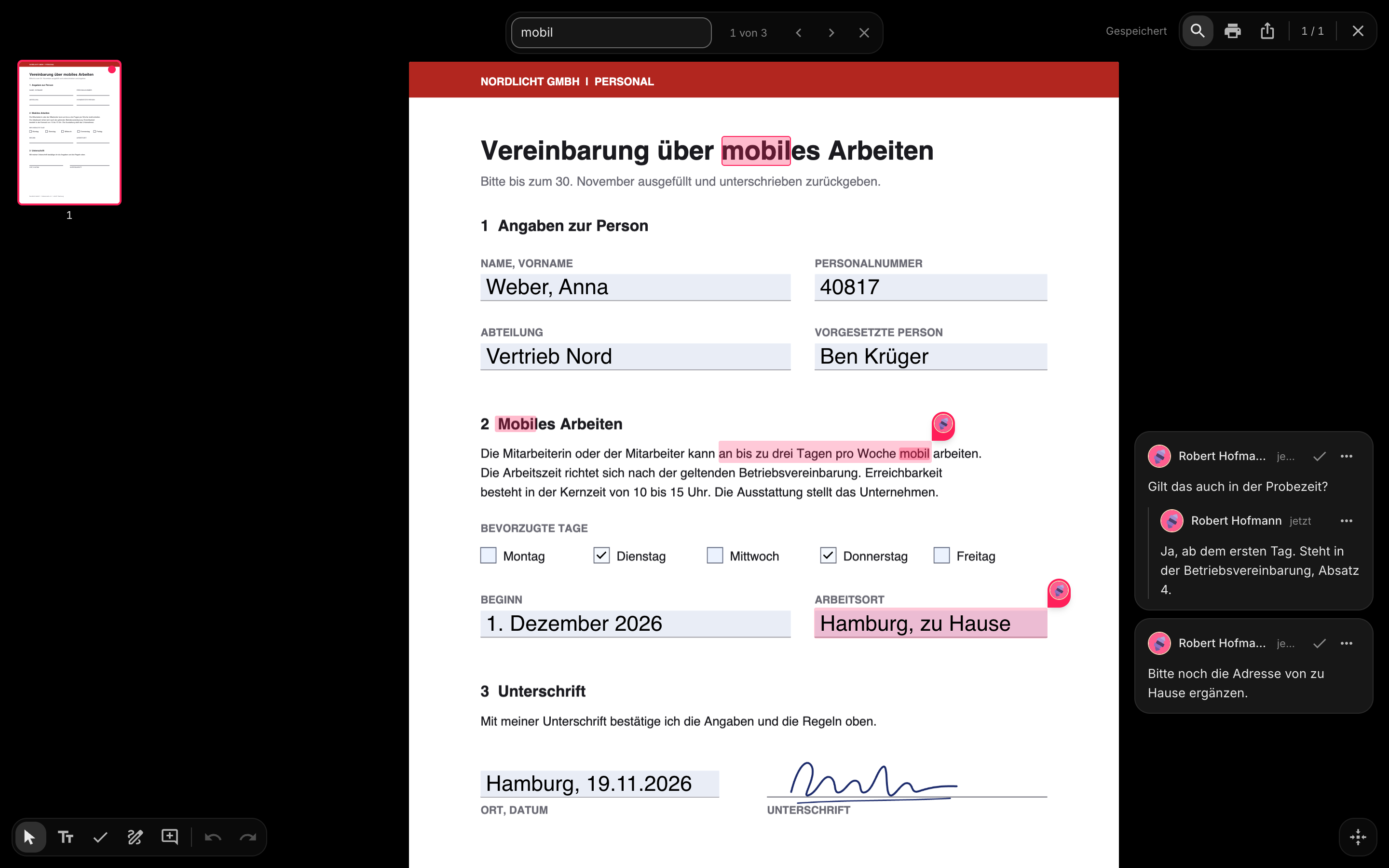
Fill in and sign. Type into its fields and gaps, tick its boxes and place your signature: drawn, typed or as a picture. Discuss it on the page. Comment at a word or an area, live with your team. Ask the AI in a comment: it answers from the file and fills in the form. Out it goes, complete. Search, print and export with everything filled in and signed. What was sent stays as it was, on purpose.
Fill in and sign
Discuss it on the page
Out it goes, complete
How a form gets filled in, signed and sent, step by step.
It works on its own and gets better with the others. All of them come with your account.
Office|Plans
It does not matter if you use one app or all six. Every plan covers the whole office, and no app is sold on its own.
€0forever
Everything you need to start, for as long as you like.
Includes
Coming soon
For whole teams, at one flat price per workspace.
Includes
Coming soon
With the AI built in. No own key, nothing to manage.
Includes
Prefer your own server? Slider is open source and free to host.View on GitHub